

Configuring Map Settings via URL Parameters
Map Settings Overview
You can customize your map experience by adjusting settings directly in the URL. Here’s a quick guide to the available parameters:
TIP
Also, check out the full documentation.
center
Defines the map center using WGS84 coordinates (latitude, longitude).
Example: ?center=50.9422097115228,6.9760677305048855
Default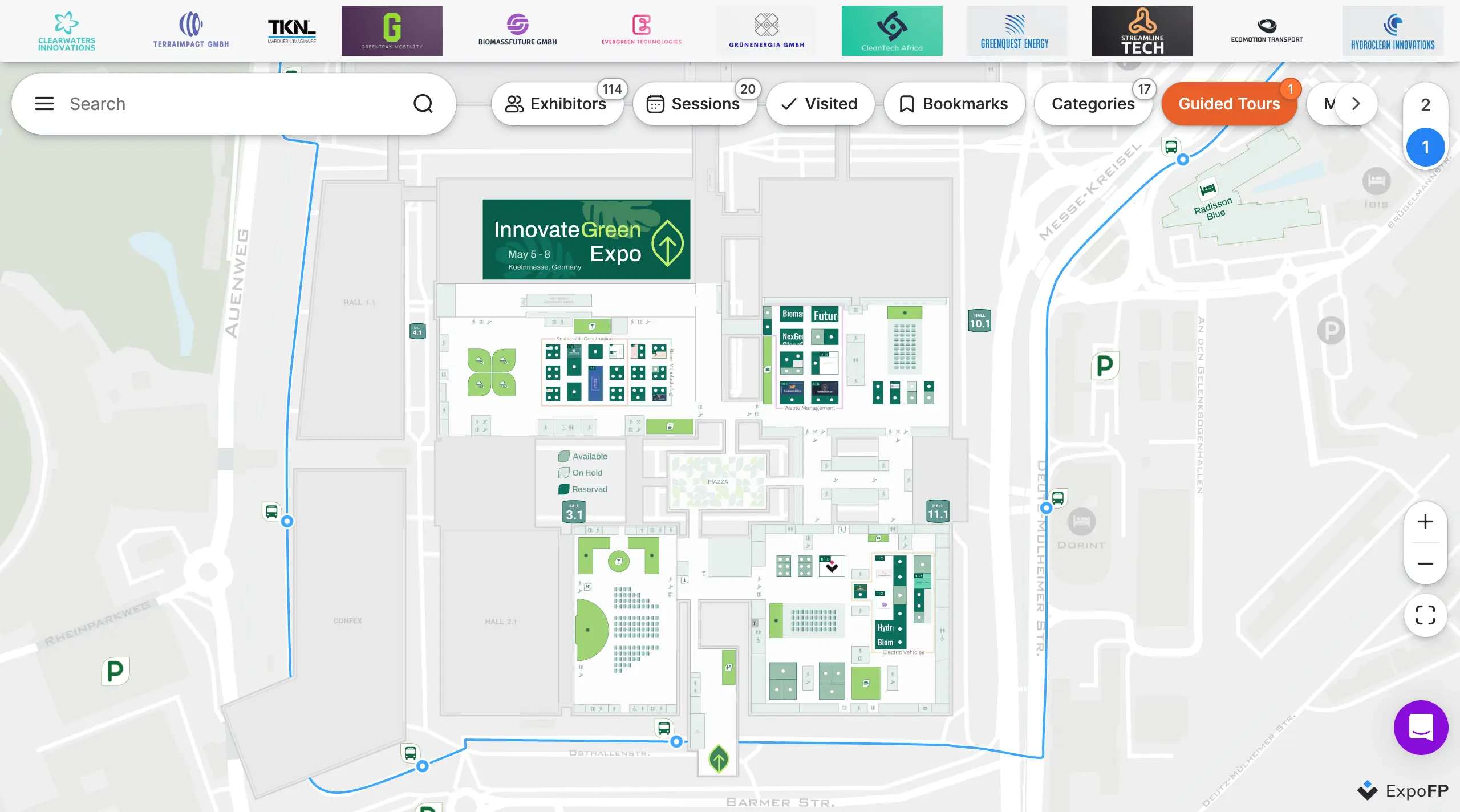
With parameter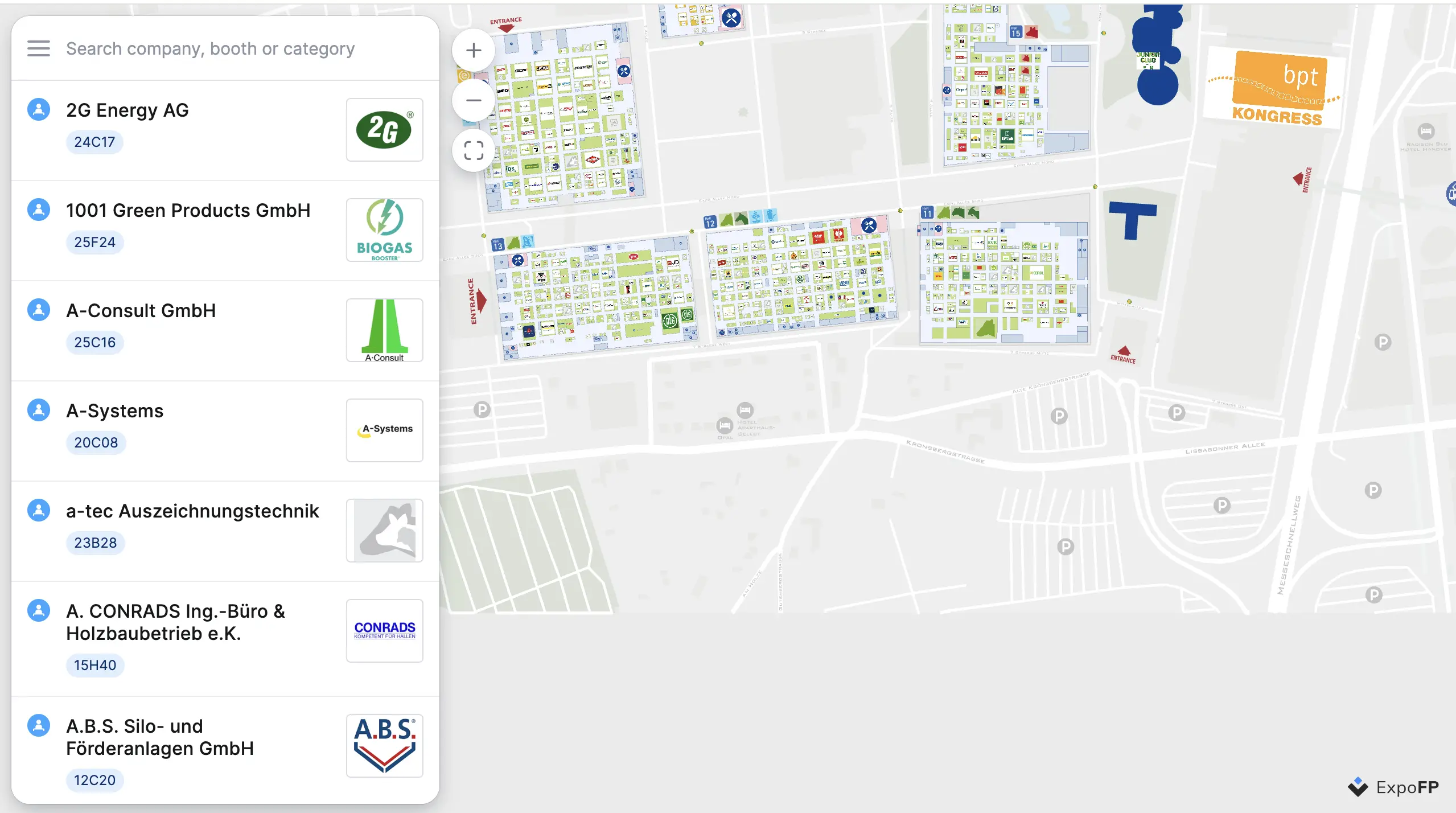
centerxy
Sets the map center using projected coordinates (x, y).
Example: ?centerxy=834.8957208062235,1174.5600925632295
Default
With parameter
z
Specifies the floor/level name.
Example: ?z=2
Default
With parameter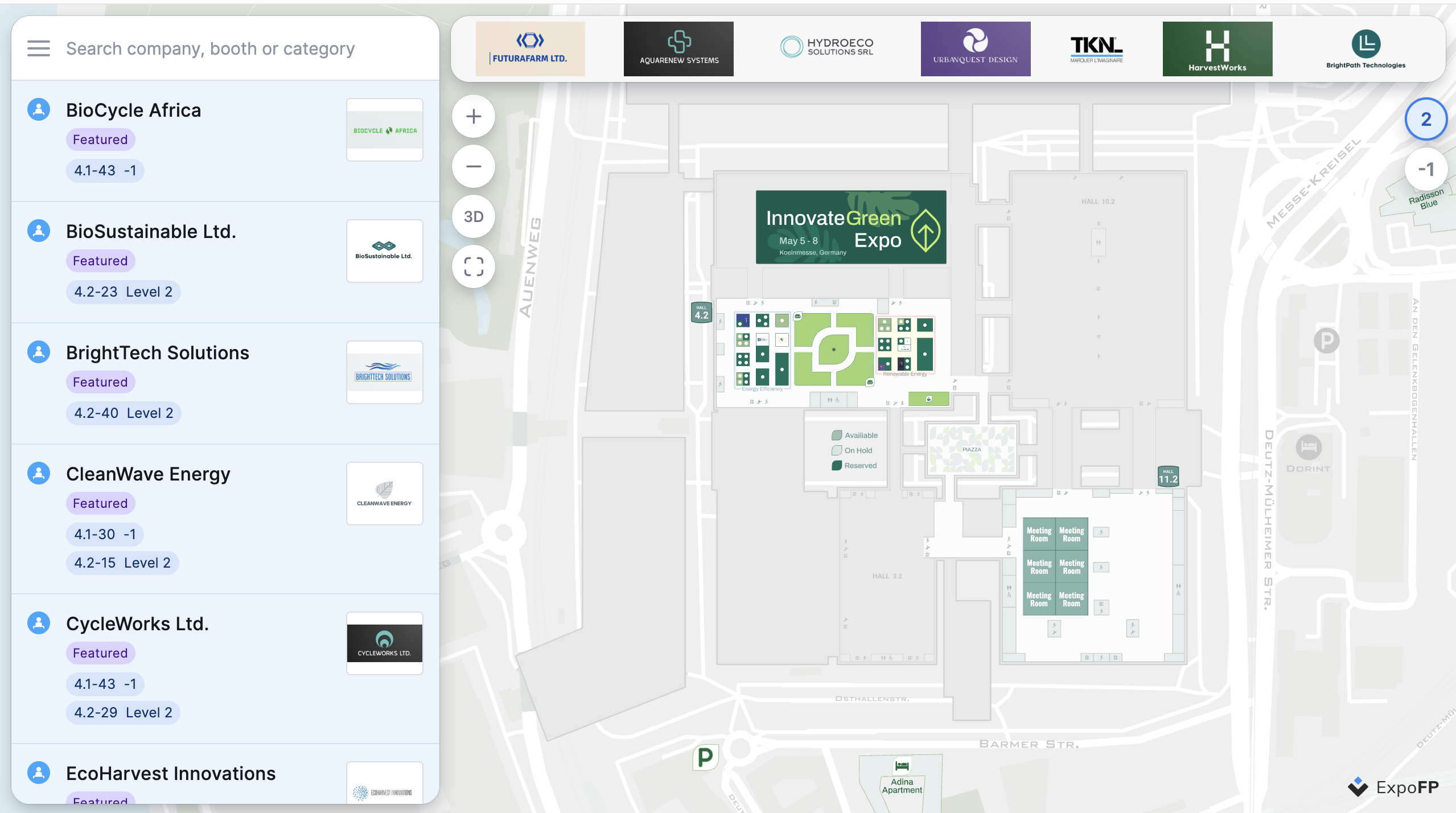
bearing
Map rotation (0-360 degrees).
Example: ?bearing=180
Default
With parameter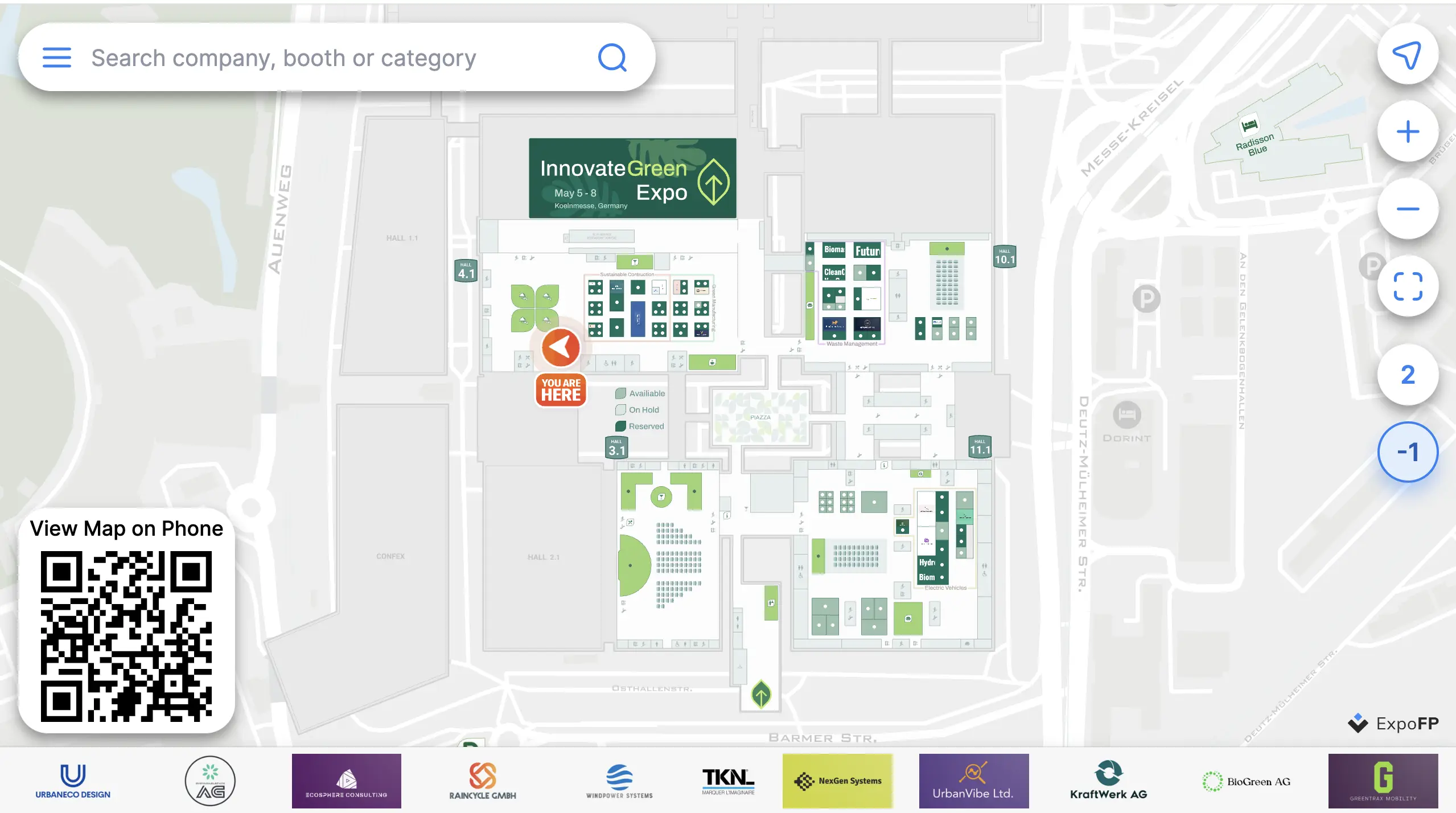
zoom
Zoom factor to apply (e.g., 1.5 for 50% zoom in, 0.5 for 50% zoom out).
Example: ?zoom=5
Default
With parameter
zoomtime
Sets the zoom animation duration in milliseconds (range: 500–5000).
Example: ?zoomtime=5000
Default
With parameter