

Easy Guide to Using Search
Our platform has a smart search tool to help you quickly find exhibitors, booths, and other things.
How Search Results Are Ordered
The search shows you the best matches first:
- Name Match: Items whose name contains your search text.
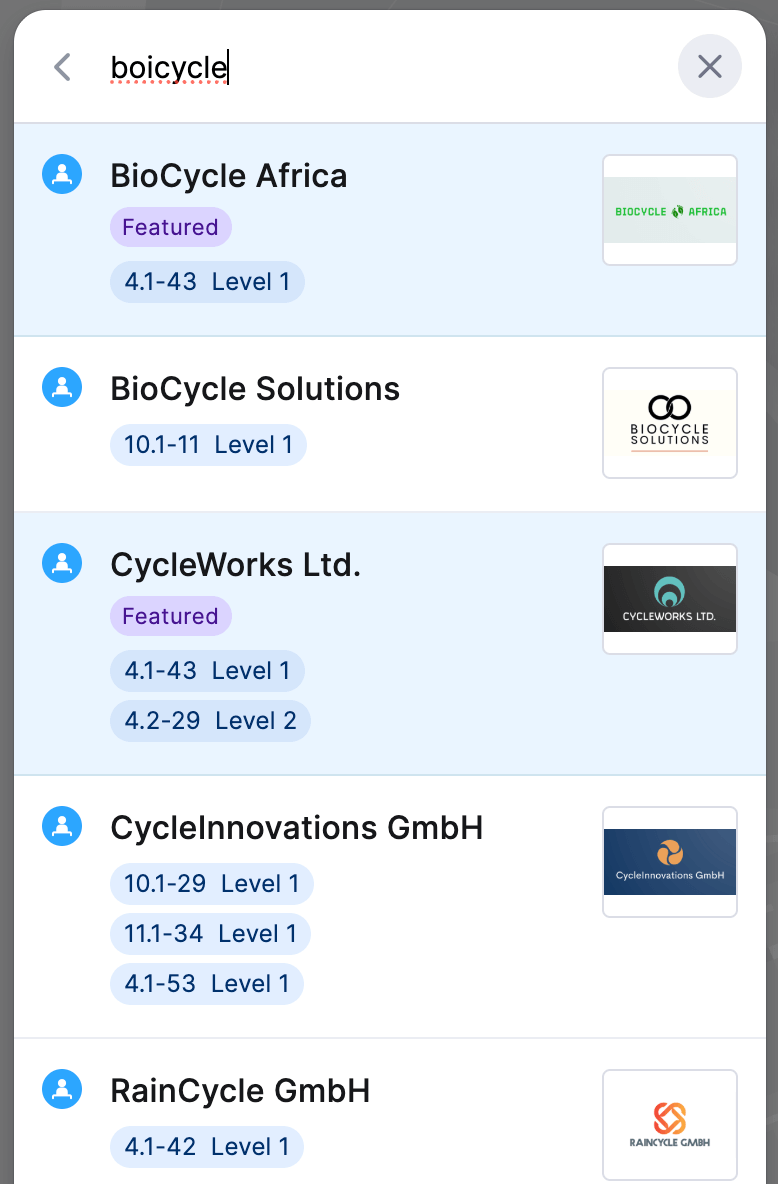
- Close Name Match: Items with similar names — including small spelling mistakes, swapped letters, or words typed in a different order.
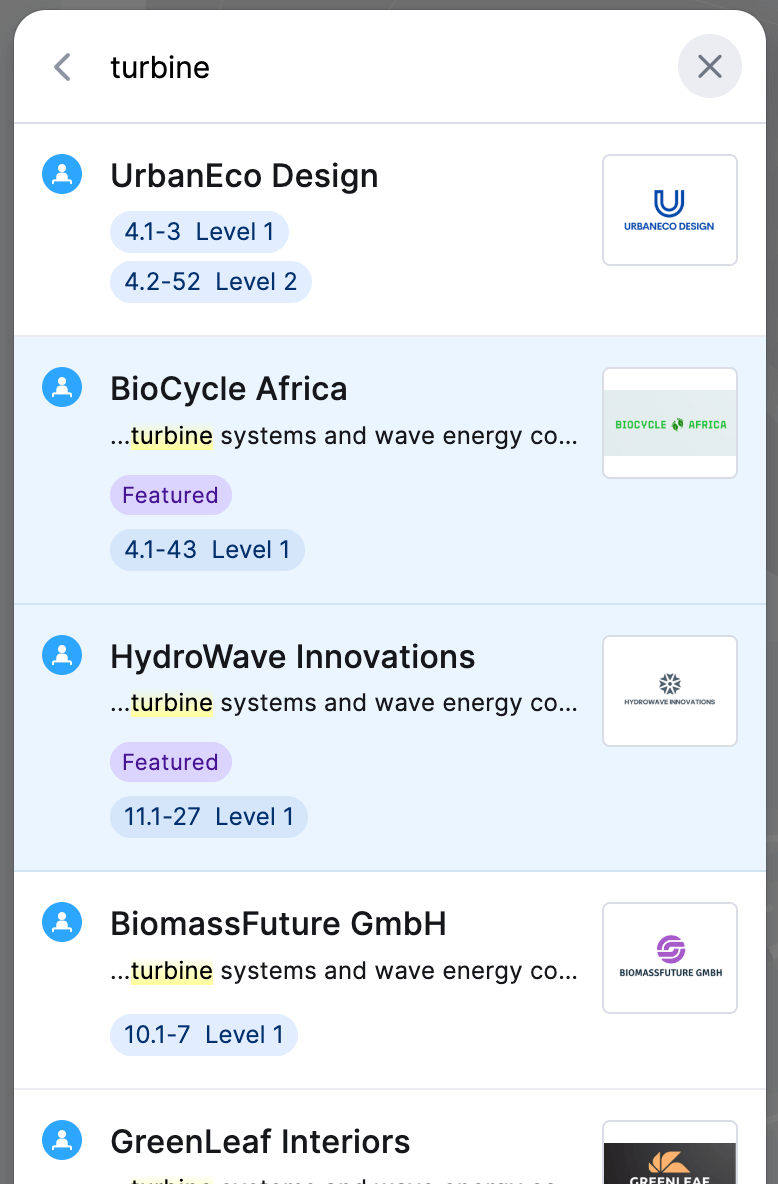
- Description Match: Items where your search text appears in the description..
This helps you see the most relevant results immediately.
Search Features
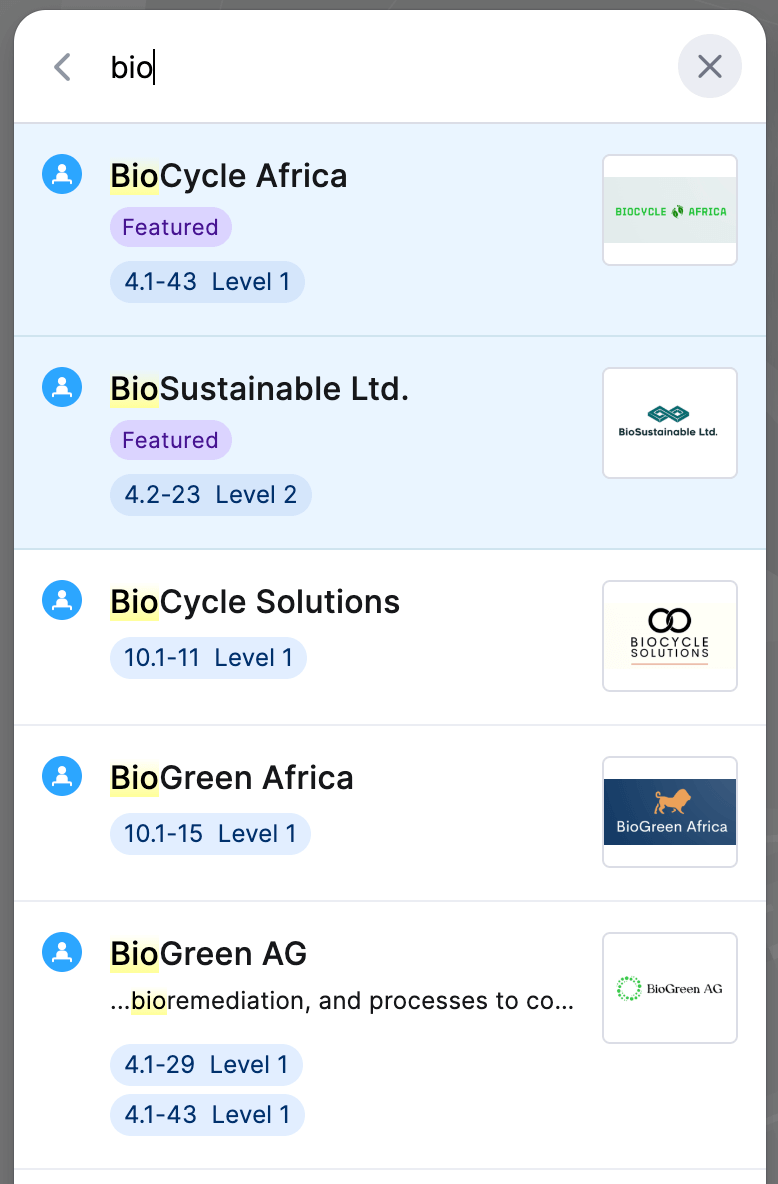
1. Highlighted Results
Your search words are highlighted in the results. This makes it easy to quickly see why something was found.
2. Fuzzy Search (Finds Close Matches)
It's okay if you spell something wrong. The search will still find what you're looking for.
3. Search in Descriptions
Find exhibitors by what they offer, even if those words aren't in their name. Just search for a product or service.
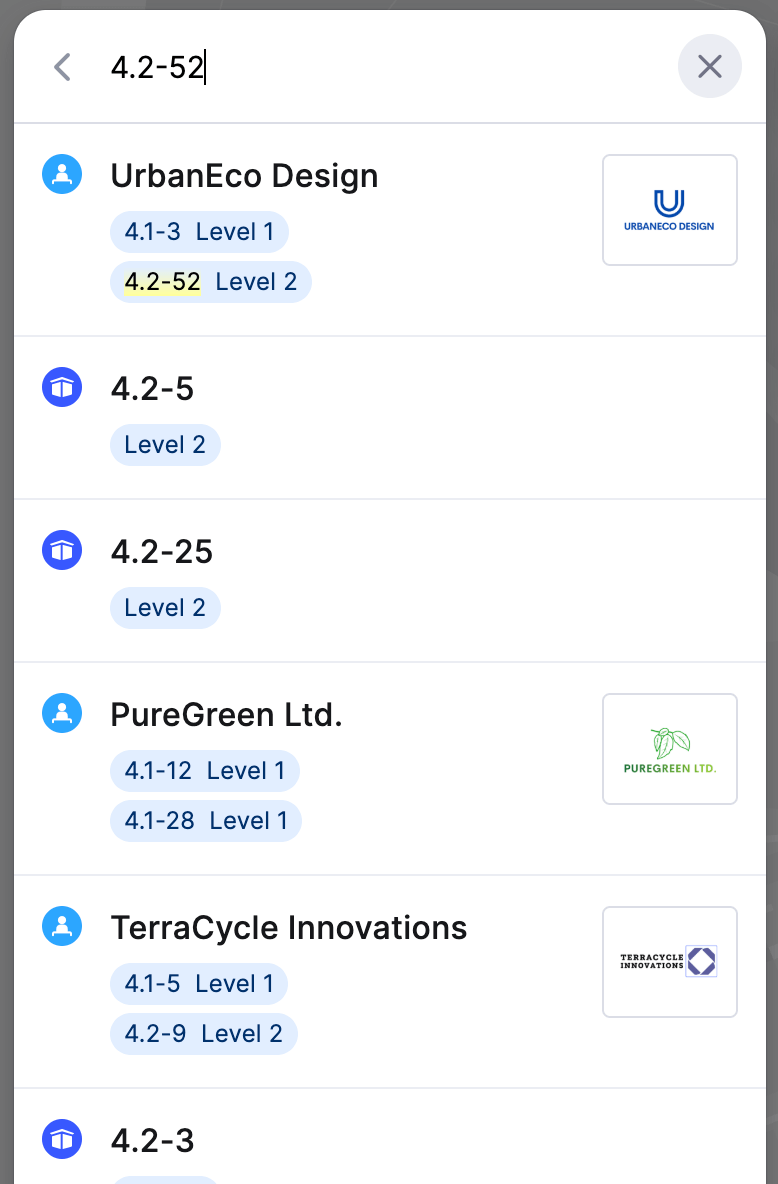
4. Find a Booth Directly
Search for a booth's exact name or number to find it quickly.
Use this powerful search tool to save time and have a better experience at the event.